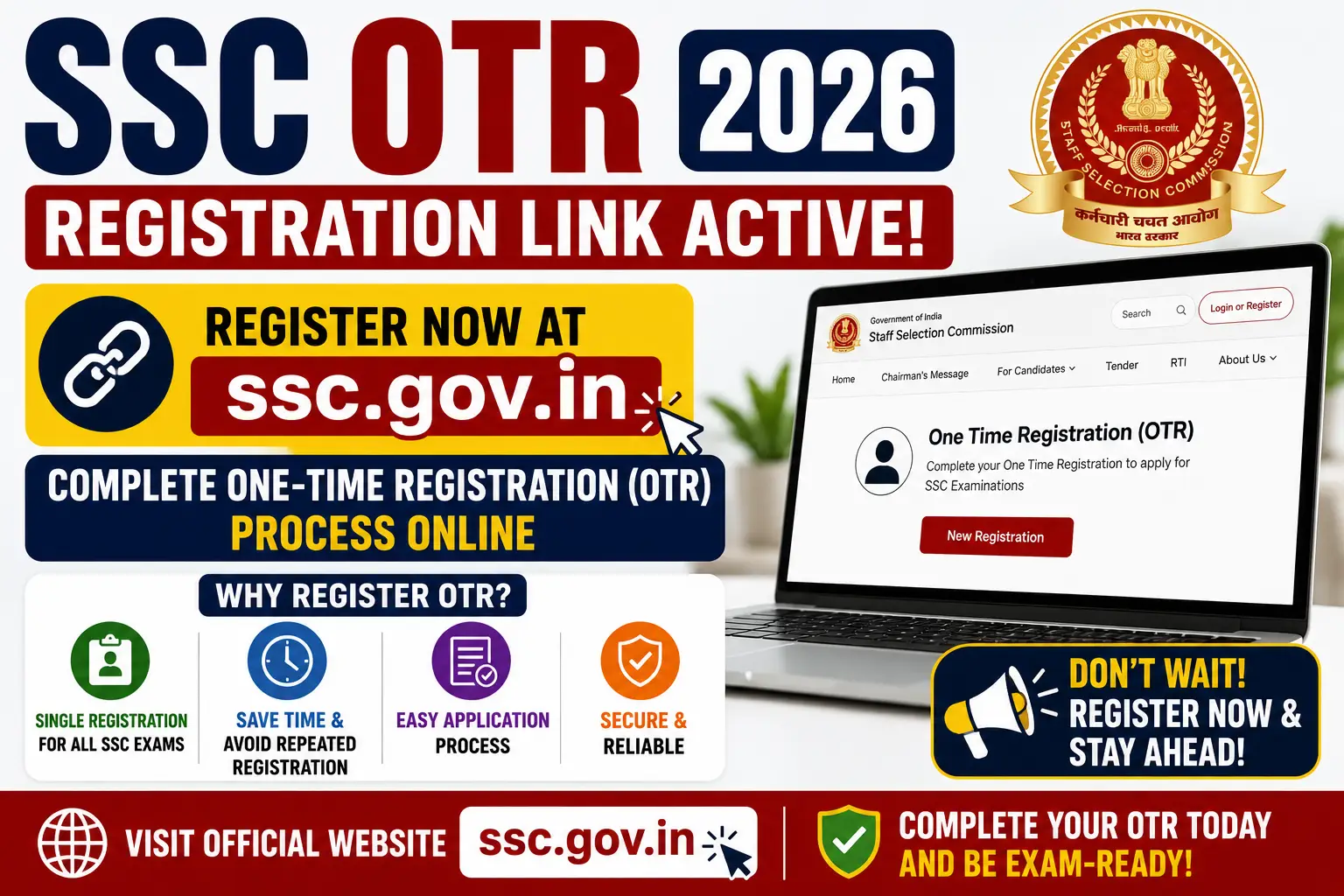
SSC OTR 2026 Registration Link Active at ssc.gov.in, Complete One-Time Registration Process Online.The Staff Selection Commission (SSC) has officially activated the SSC OTR 2026 registration link on its official website. All candidates who wish to apply for SSC exams such as SSC CGL, CHSL, MTS, GD, CPO, JE, and other recruitment exams must complete the One Time Registration (OTR) process before submitting any application form.
SSC OTR is a mandatory registration process introduced to simplify future applications for SSC examinations. Once candidates complete the registration process, they can use the same login credentials for all upcoming SSC exams.Candidates can now complete SSC OTR 2026 through the official SSC portal at ssc.gov.in.
SSC OTR 2026 Overview
| Particulars | Details |
|---|---|
| Organization | Staff Selection Commission (SSC) |
| Registration Name | SSC One Time Registration (OTR) 2026 |
| Registration Mode | Online |
| OTR Status | Active |
| Official Website | ssc.gov.in |
| Applicable Exams | SSC CGL, CHSL, GD, MTS, CPO, JE and others |
| Aadhaar Verification | Mandatory for most exams |
| OTR Link | Click here link |
What is SSC OTR 2026?
SSC OTR (One Time Registration) is a single registration system introduced by the Staff Selection Commission. Through this process, candidates create one profile on the SSC portal that can be used for applying to multiple SSC examinations in future.
Without completing OTR, candidates cannot apply for SSC recruitment exams. The registration process includes personal details, Aadhaar verification, educational qualification, photograph upload, signature upload, and password creation.
SSC OTR 2026 Registration Process
Candidates can follow the steps below to complete the SSC One Time Registration process:
- Visit the official SSC website at ssc.gov.in.
- Click on “Login or Register”.
- Select “New User? Register Now”.
- Enter personal details such as:
- Name
- Date of Birth
- Father’s Name
- Mother’s Name
- Mobile Number
- Email ID
- Enter Aadhaar Number or other identity proof details.
- Verify OTP received on mobile and email.
- Create a password and security questions.
- Fill educational qualification details.
- Upload photograph and signature.
- Preview all details carefully.
- Submit the registration form.
- Save the Registration ID and Password for future login.
Documents Required for SSC OTR 2026
Candidates should keep the following documents ready before starting the registration process:
- Aadhaar Card
- Mobile Number linked with Aadhaar
- Valid Email ID
- Class 10 Roll Number and Passing Details
- Educational Qualification Certificates
- Passport Size Photograph
- Scanned Signature
- Category Certificate (if applicable)
- Disability Certificate (if applicable)
SSC OTR 2026 Photo & Signature Guidelines
Photograph Specifications
| Requirement | Details |
|---|---|
| Format | JPEG/JPG |
| File Size | 20 KB to 50 KB |
| Background | White or Light Background |
| Photo Type | Recent Passport Size Photo |
| Visibility | Face should be clearly visible |
Signature Specifications
| Requirement | Details |
|---|---|
| Format | JPEG/JPG |
| File Size | 10 KB to 30 KB |
| Ink Color | Black or Blue Ink |
| Paper | White Paper |
| Important Note | Signature should not be in capital letters |
Aadhaar Verification in SSC OTR
SSC has implemented Aadhaar-based authentication to improve candidate verification and prevent fraud during recruitment. During registration:
- Candidates must enter their 12-digit Aadhaar number.
- OTP verification is completed using the Aadhaar-linked mobile number.
- Details should exactly match Aadhaar records.
Candidates who do not have Aadhaar may use alternative ID proofs like:
- PAN Card
- Voter ID
- Passport
- Driving License
Common Errors During SSC OTR Registration
Candidates often face mistakes while completing OTR. Here are some common problems and solutions:
| Error | Solution |
|---|---|
| Incorrect Aadhaar Number | Cross-check Aadhaar details carefully |
| OTP Not Received | Ensure mobile number is linked with Aadhaar |
| Photo Upload Failure | Use correct size and format |
| Mismatch in Personal Details | Use details exactly as per certificates |
| Multiple Registrations | Use only one registration profile |
| Session Timeout | Complete form quickly with stable internet |
Benefits of SSC One Time Registration
- One registration for all SSC exams
- Faster application process
- Easy login and profile management
- Reduces repetitive form-filling
- Simplifies future applications
Important Instructions for Candidates
- Enter details exactly as mentioned in official documents.
- Use an active mobile number and email ID.
- Do not create multiple registrations.
- Save registration credentials carefully.
- Complete registration before the deadline to avoid server issues.
How to Recover SSC OTR Registration ID or Password
Recover Registration ID
Candidates can use the “Forgot Registration ID” option available on the SSC login page. Aadhaar number and registered mobile number are required for recovery.
Reset Password
Use the “Forgot Password” option and complete OTP verification to create a new password.
SSC OTR 2026 Important Note
SSC has clearly stated that candidates must be extremely careful while filling OTR details. Any incorrect information may lead to cancellation of candidature during verification stages.