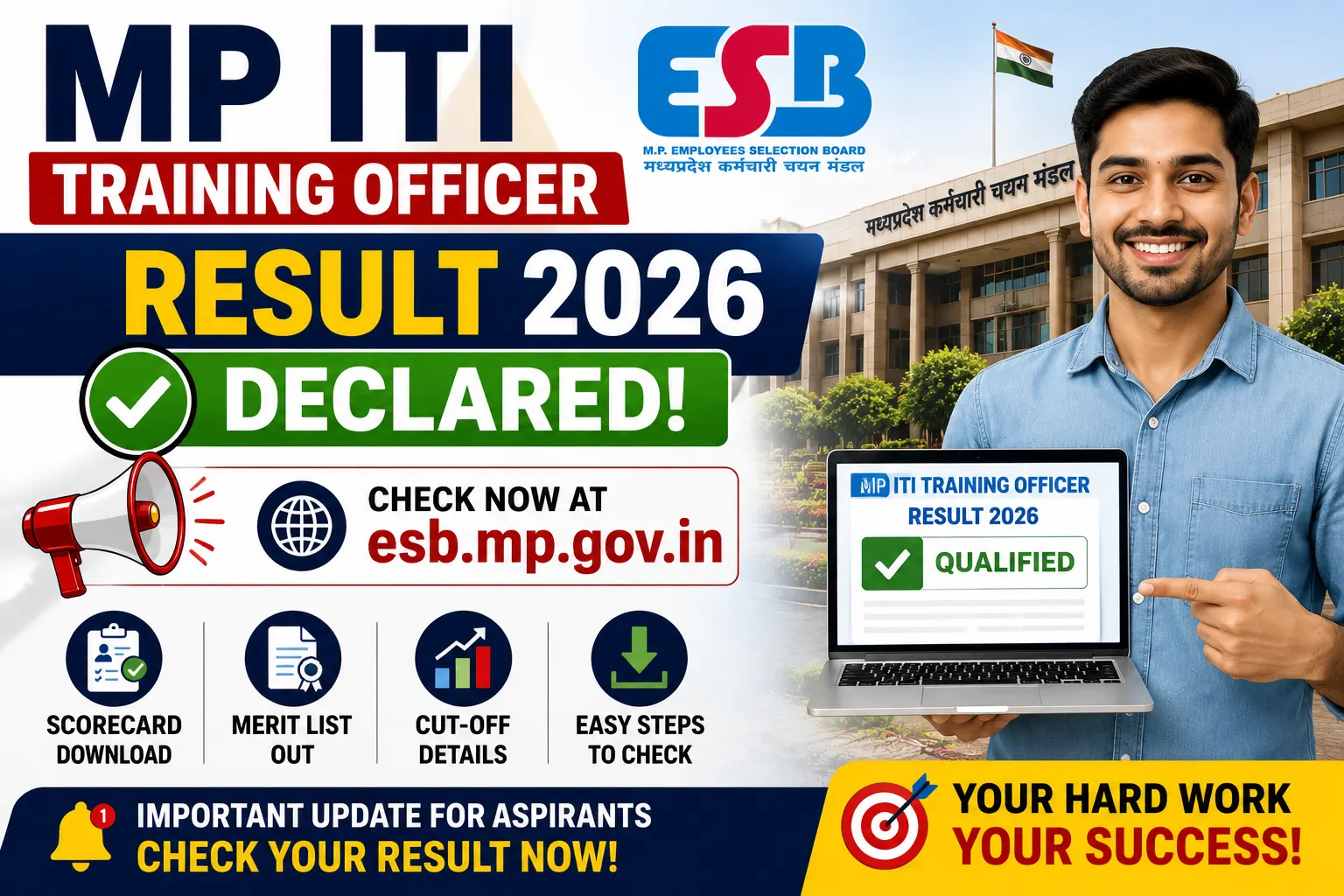
MP ITI Training Officer Result 2026 Declared at esb.mp.gov.in; Check Scorecard, Merit List and Cut-Off Details.The Madhya Pradesh Employees Selection Board (MPESB) has officially released the MP ITI Training Officer Result 2026 on 24 July 2026. Candidates who appeared for the recruitment examination can now access their results online through the official portal by entering their login credentials.
Along with the result, the board has also published the scorecard, merit list, and category-wise cut-off marks. Candidates who qualify in the written examination will now move to the Document Verification (DV) stage of the recruitment process.
This recruitment drive is being conducted to fill 1,120 Training Officer vacancies in Industrial Training Institutes (ITIs) across Madhya Pradesh.
Overview of MP ITI Training Officer Result 2026
| Particular | Details |
|---|---|
| Exam Name | MP ITI Training Officer Recruitment Test 2026 |
| Conducting Body | Madhya Pradesh Employees Selection Board (MPESB) |
| Post Name | Training Officer |
| Total Vacancies | 1,120 |
| Exam Dates | 27 February to 17 March 2026 |
| Result Status | Released |
| Result Date | 24 July 2026 |
| Selection Process | Written Examination, Document Verification, Medical Examination |
| Result Link | https://esb.mp.gov.in/ |
MP ITI Training Officer Result 2026 Announced
The much-awaited MP ITI Training Officer Result 2026 has finally been declared, bringing relief to thousands of candidates who appeared in the recruitment examination. Candidates can now check whether they have qualified for the next stage by logging into the official result portal.
According to the recruitment data, 1,65,551 candidates registered for the examination, while 1,02,575 candidates appeared in the written test conducted earlier this year. The board has also released the list of top-performing candidates along with percentile scores.
Candidates are advised to download their scorecard and verify all the details carefully before proceeding to the next stage.
Login Credentials Required to Check the Result
Candidates need the following details to access their result online:
- Application Number
- Date of Birth
- First Two Letters of Mother’s Name
- Last Four Digits of Aadhaar Number
After entering these details correctly, the scorecard will appear on the screen.
Details Available on the Scorecard
After downloading the result, candidates should carefully verify the information printed on the scorecard, including:
- Candidate’s Name
- Roll Number
- Application Number
- Category
- Date of Birth
- Examination Name
- Marks Obtained
- Percentile
- Merit Position
- Qualifying Status
If any discrepancy is noticed, candidates should immediately contact the concerned authority for correction.
How to Download MP ITI Training Officer Result 2026
Candidates can follow these simple steps to download their result:
- Visit the official MPESB website.
- Open the Results section.
- Click on ITI Training Officer Recruitment Test 2026 Result.
- Enter the Application Number and Date of Birth.
- Fill in the required security details.
- Click on the Search button.
- The result will appear on the screen.
- Download and save the scorecard for future reference.
MP ITI Training Officer Merit List 2026
MPESB has also published the Merit List 2026 along with the result. The merit list contains the names and roll numbers of candidates shortlisted for the next phase of the recruitment process.
The merit list has been prepared based on candidates’ performance in the written examination while following the applicable reservation rules.
MP ITI Training Officer Cut-Off Marks 2026
The board has released the official cut-off marks along with the result announcement. Candidates securing marks equal to or above the prescribed cut-off have qualified for the next stage.
The cut-off has been prepared after considering several important factors, including:
- Number of vacancies
- Total candidates appearing
- Difficulty level of the examination
- Category-wise reservation
- Overall performance of candidates
What Happens After the Result?
Candidates who qualify in the written examination will now be invited for the Document Verification (DV) process.
During this stage, MPESB will verify all educational qualifications, identity proof, category certificates, domicile certificates, and other required documents. Candidates who successfully complete document verification will then undergo a Medical Examination.
The final selection list will be prepared only after completion of all recruitment stages.
Documents Required for Document Verification
Candidates should keep the following documents ready:
- Printed Copy of Result
- Admit Card
- Application Form
- Class 10 Certificate
- Class 12 Certificate
- ITI/Diploma/Degree Certificate
- Trade Qualification Certificates
- Aadhaar Card or Valid Photo ID
- Category Certificate (if applicable)
- EWS Certificate (if applicable)
- Domicile Certificate
- PwBD Certificate (if applicable)
- No Objection Certificate (for employed candidates)
- Recent Passport-size Photographs
Important Instructions for Candidates
- Download your scorecard as soon as possible.
- Verify every detail mentioned on the result.
- Preserve multiple printed copies for future use.
- Keep all original documents ready for document verification.
- Continue checking the official website for updates regarding DV dates and further recruitment stages.