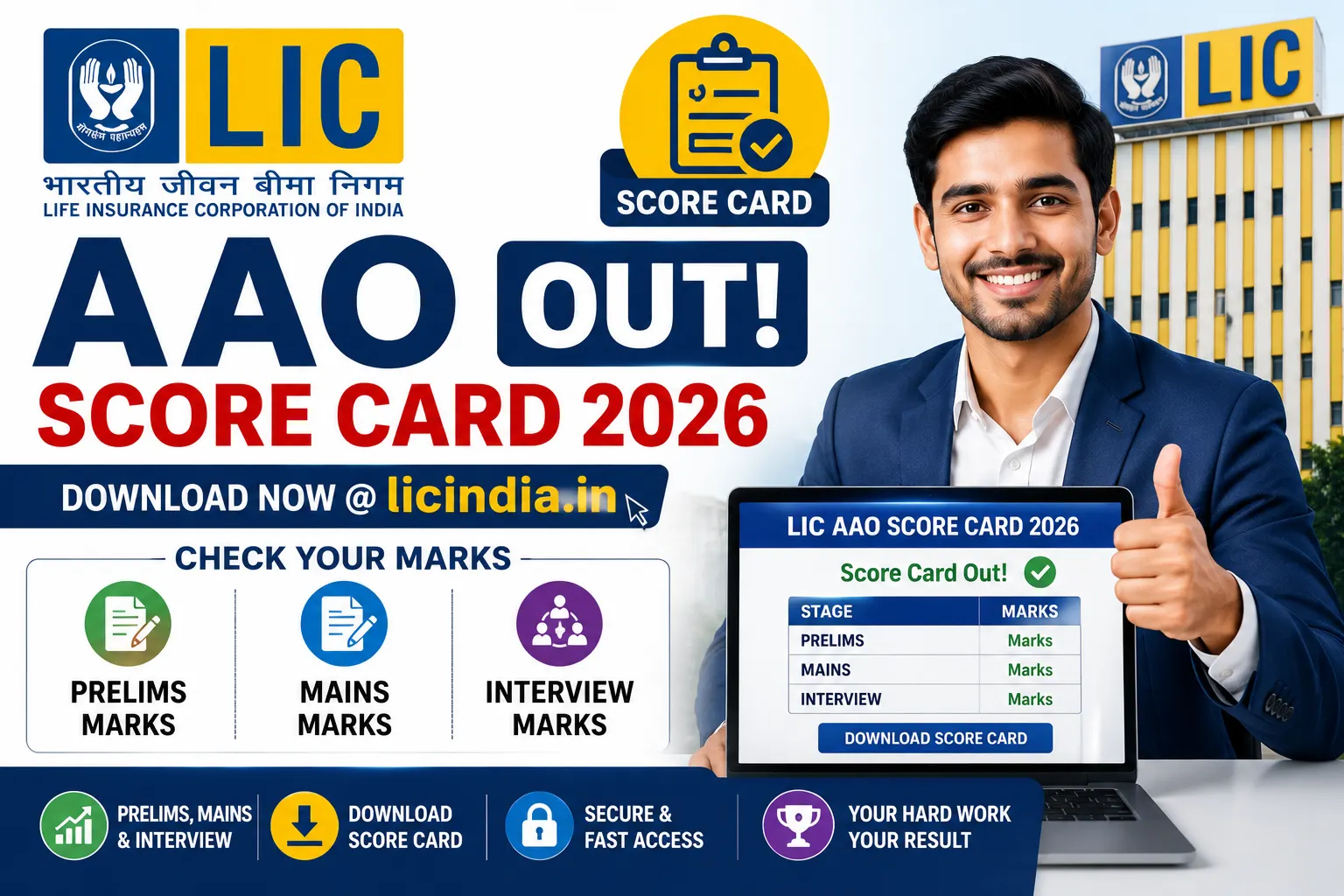
LIC AAO Score Card 2026 Out; Download Prelims, Mains & Interview Marks at licindia.in.The Life Insurance Corporation of India (LIC) has officially released the LIC AAO Score Card 2026 for candidates who participated in the Assistant Administrative Officer (AAO) recruitment process. Aspirants who appeared in the Preliminary Examination, Main Examination and Interview can now check their individual marks through the official recruitment portal.
Along with the scorecard, LIC has also published the official cut-off marks for different categories. Candidates can now evaluate their performance by comparing their scores with the prescribed qualifying marks.
Since the scorecard will remain available online for a limited period, candidates are advised to download and save a copy as soon as possible.
LIC AAO Score Card 2026 Highlights
| Particulars | Details |
|---|---|
| Organization | Life Insurance Corporation of India (LIC) |
| Post Name | Assistant Administrative Officer (AAO) |
| Total Vacancies | 841 |
| Score Card Status | Released |
| Score Card Release Date | 26 June 2026 |
| Selection Process | Preliminary Exam, Main Exam & Interview |
| Mode of Availability | Online |
| Login Credentials | Registration Number/Roll Number and Password/Date of Birth |
| Result Link | https://ibpsonline.ibps.in |
Scorecards Now Available for All Recruitment Stages
Candidates who appeared at any stage of the LIC AAO recruitment can now access their marks online. The scorecard includes detailed information about performance in the Preliminary Examination, Main Examination and Interview wherever applicable.
The release of the scorecard also marks the completion of the recruitment cycle for this year’s Assistant Administrative Officer recruitment.
What Information Is Available on the Score Card?
The online scorecard provides a complete overview of a candidate’s performance. It includes:
- Candidate’s Name
- Roll Number
- Registration Number
- Category
- Date of Birth
- Section-wise Marks
- Overall Score
- Interview Marks (where applicable)
- Final Combined Score
- Qualifying Status
- Sectional Cut-off
- Overall Cut-off
Candidates should carefully verify every detail after downloading the scorecard. If any discrepancy is noticed, it should be reported to LIC immediately.
How to Download LIC AAO Score Card 2026?
Candidates can download their marks by following these simple steps:
Step 1
Visit the official LIC website.
Step 2
Open the Careers section available on the homepage.
Step 3
Click on the recruitment notification for Assistant Administrative Officer (AAO).
Step 4
Select the LIC AAO Score Card 2026 link.
Step 5
Enter your Registration Number or Roll Number.
Step 6
Enter your Password or Date of Birth.
Step 7
Complete the captcha verification and click on Login.
Step 8
Your scorecard will appear on the screen. Download and keep a printout for future reference.
LIC AAO Cut Off 2026 Also Released
LIC has released the official cut-off marks along with the scorecards. The cut-off varies according to category and post.
Several factors influence the final cut-off, including:
- Number of vacancies
- Difficulty level of the examination
- Number of candidates who appeared
- Overall performance of candidates
- Reservation policy
Candidates can compare their marks with the official cut-off to understand whether they have qualified for the next stage or secured final selection.
Selection Process for LIC AAO Recruitment
The recruitment process consists of three stages:
Preliminary Examination
The preliminary examination serves as the first stage of screening. Candidates who qualify are shortlisted for the mains examination.
Main Examination
The mains examination evaluates candidates through objective as well as descriptive papers. Performance in this stage plays a significant role in final selection.
Interview
Candidates shortlisted after the mains examination appear for the interview. The final merit list is prepared by considering marks obtained in both the mains examination and interview.
Unable to Download Your Score Card?
Some candidates may face temporary technical issues because of heavy traffic on the website. If the scorecard is not opening, try the following:
- Check your Registration Number and Password carefully.
- Ensure that your Date of Birth has been entered in the correct format.
- Refresh the page and try again after a few minutes.
- Clear your browser cache and cookies.
- Use an updated browser such as Chrome, Firefox or Microsoft Edge.
- Try logging in during non-peak hours if the website is slow.
Most login-related issues are resolved by rechecking credentials or trying again after some time.
Important Instructions for Candidates
- Download the scorecard before the login window closes.
- Save both digital and printed copies.
- Keep your registration details secure.
- Verify every detail mentioned on the scorecard.
- Continue checking the official LIC website for future recruitment announcements and joining instructions.